Lunoza Google Slide Template: Crafting Presentations That Stick
You know the feeling—another presentation due, another scramble for decent slides. We’ve all sat through those monotonous decks where every slide looks identical, the images feel stock, and the information blends into a forgettable haze. What if your next presentation could actually hold attention, tell a story, and look like it was designed by a professional without the hefty agency fee? That’s the promise of a well-structured template system, and it’s exactly where a resource like the Lunoza - Google Slide Template comes into play. It’s not just a collection of pretty slides; it’s a framework for visual communication that respects both your time and your audience’s intelligence.
Beyond Basic Slides: A System for Visual Storytelling
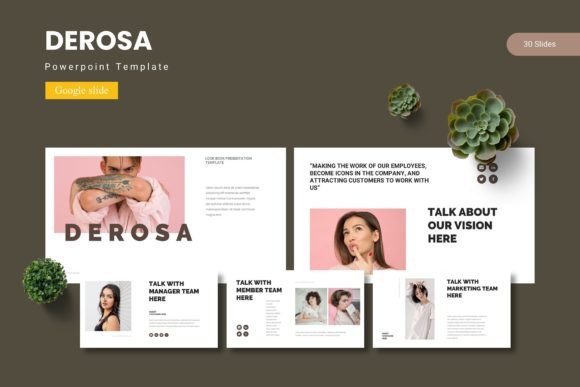
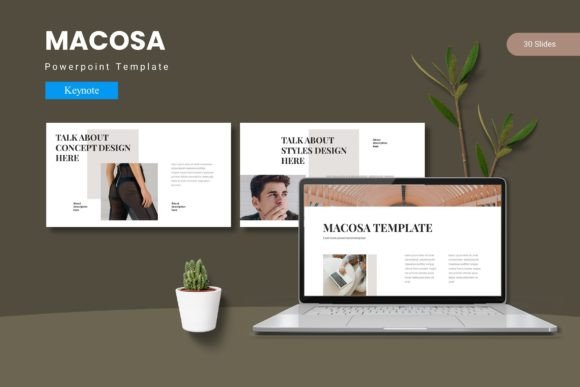
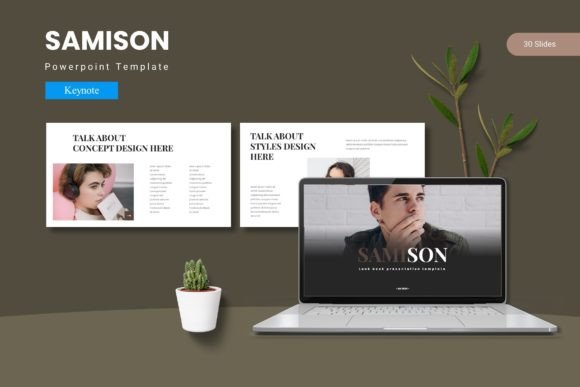
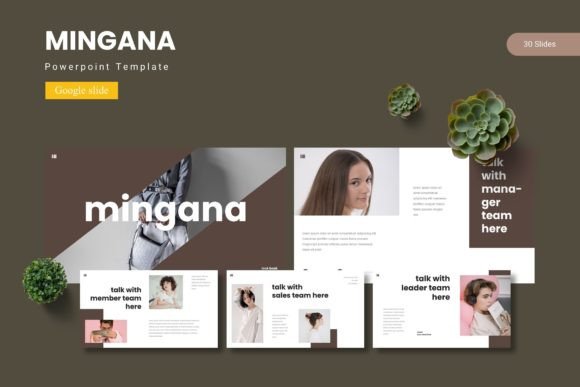
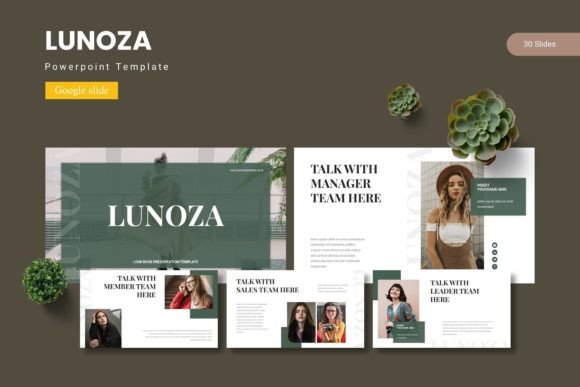
Think of Lunoza less as a single template and more as a versatile design toolkit. The foundation is robust: over 150 total slides organized into five distinct color schemes, with 30 meticulously crafted slides per palette. This isn’t about having one “good” slide and 29 fillers. Each set is built around a coherent narrative flow—from impactful title sequences and section breaks to detailed data infographics, portfolio showcases, and clean text layouts. The inclusion of Section Break Slides is particularly thoughtful, providing visual punctuation that helps your audience mentally digest information in chunks, a key factor in retention.
The visual appeal stems from its handcrafted infographics and pixel-perfect illustrations. These aren’t generic clipart. They’re designed to simplify complex ideas, whether you’re mapping out a business process, displaying survey results, or comparing product features. Because everything is based on Master Slides, making a global change—like adjusting a font or shifting a color accent—is a one-click operation that ripples through your entire deck. This ensures visual consistency, a cornerstone of professional branding. Your presentation looks cohesive from the first “hello” slide to the final “thank you.”
Practical Applications for the Busy Professional
Where does a template like this actually save you time and elevate your work? The applications are broader than you might first think.
For entrepreneurs and small business owners, it’s a game-changer for brand identity. Imagine pitching to investors or clients with a deck that feels uniquely yours. You can use the 5 color variations to match your brand’s primary and secondary palettes, creating a seamless extension of your logo design and overall aesthetic. The gallery and portfolio slides are perfect for showcasing past work, product lines, or customer testimonials in a clean, compelling grid that builds credibility.
Marketers and content creators will find immense value in the marketing assets and social media graphics potential. Use the infographic slides to break down a blog post into a shareable carousel. Create a quick webinar outline or a lead magnet presentation. The picture placeholder, drag & drop functionality means you can swap in your own high-quality images in seconds, maintaining that professional presentation look without wrestling with alignment tools. It’s about speed without sacrificing quality—a critical balance in fast-paced digital environments.
Even for print materials and editorial layouts, the clean, modular design serves as an excellent starting point. Export slides as PDFs for posters or invitations. Use the typography and spacing as a guide for packaging design mockups or digital product guides. The structure encourages you to think in terms of hierarchy and clarity, which translates directly to better readability across any medium.
Making It Your Own: Customization and Strategy
A template’s true power lies in its adaptability. Lunoza’s strength is that it provides a professional scaffold, not a rigid cage. Here’s how to approach it strategically:
- Match Typography to Your Voice: The template comes with font information, but don’t feel bound. If your brand uses a specific serif font for elegance or a clean sans serif font for modern minimalism, swap them in. The master slide system makes this effortless. Consider font pairing—using a bold display font for headings and a highly readable body font for text—to create visual interest and guide the viewer’s eye.
- Leverage the Color Schemes: The five pre-built schemes are starting points. Use them to explore different moods: one might feel corporate and trustworthy, another energetic and creative. Then, refine by inputting your exact brand hex codes. This maintains brand recognition while benefiting from the template’s balanced color theory.
- Focus on Content Hierarchy: Use the varied slide layouts to structure your argument. A data-heavy slide followed by a simple quote slide creates rhythm. The section break slides act as chapter dividers, preventing cognitive overload. This thoughtful pacing is what turns a presentation from a data dump into a persuasive story.
- Test for Real-World Use: Before your big meeting, run through the deck on the actual device you’ll use. Check that text is legible from the back of a room (avoid overly decorative script fonts for body copy). Ensure images are high-resolution. The goal is audience engagement, and technical hiccups break immersion.
Investing in a Scalable Design Asset
Considering the scope—5 PPTX items from Google Slides, 30 unique slides per color, editable graphics, and a clear readme for fonts and photos—Lunoza represents a scalable design asset. It’s a premium font system in the sense that it’s a premium visual system, designed for repeated, professional use. For a freelancer, it means faster client deliverables. For a startup, it means consistent investor decks and team training materials. For a teacher or blogger, it means creating educational content that students and readers actually enjoy absorbing.
In a world saturated with information, how you present your ideas is as important as the ideas themselves. A tool like the Lunoza - Google Slide Template doesn’t just make slides; it provides the architecture for clarity, professionalism, and impact. It’s about starting from a place of strength, so you can focus your energy on your message, not on dragging text boxes into alignment. The next time you open a blank presentation, imagine starting with a library of possibilities already at your fingertips, ready to be molded to your unique vision.