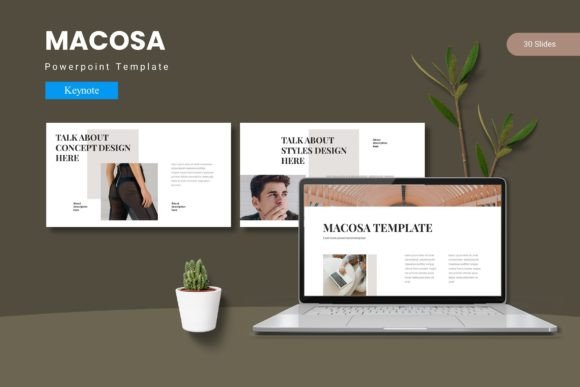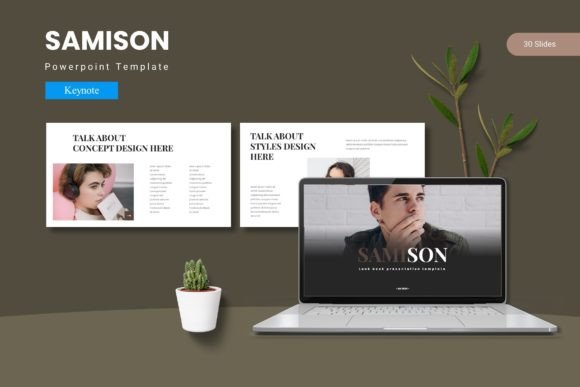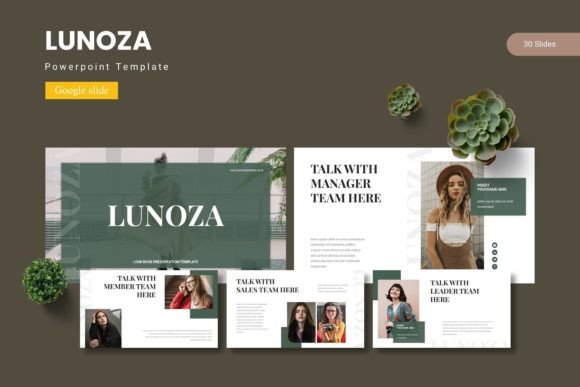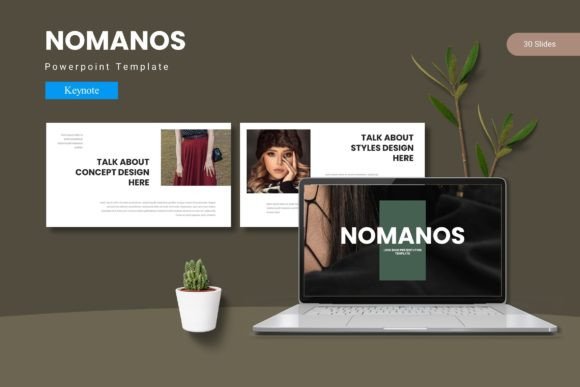
Designing Decks That Stick with Tunarus - Keynote Template
You have the data, the strategy, and the big idea, but if your slide deck looks like a generic corporate afterthought, your message is already getting lost. We’ve all sat through presentations that feel like reading a teleprompter—boring, uninspired, and instantly forgettable. The difference between a pitch that lands and one that flops often comes down to visual storytelling. It’s not just about what you say; it’s about how your audience sees it. When you step into the boardroom or hop on that Zoom call, your visual assets need to work as hard as you do. That’s where having a robust design system, like the Tunarus - Keynote Template, changes the game. It bridges the gap between a rough idea and a polished, professional narrative.
Beyond the Bullet Points: Visual Cohesion in Action
One of the biggest hurdles in modern presentation design is consistency. You might start with good intentions, using a specific shade of blue or a particular font, but by slide 20, things start to drift. You grab a chart from an old report, a stock photo with a different color temperature, and suddenly, the deck feels disjointed. This fragmentation distracts your audience and dilutes your brand identity.
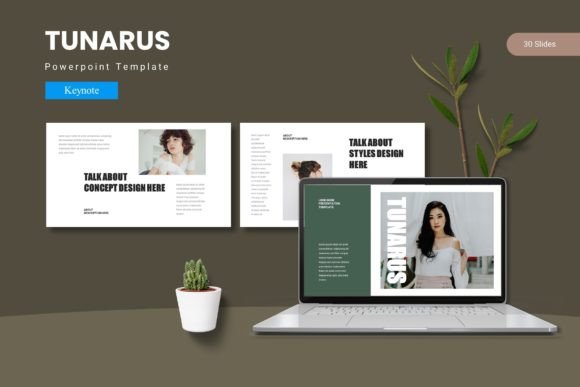
The structure of the Tunarus - Keynote Template is built specifically to combat this "slide drift." With over 150 total slides spread across five distinct color schemes, it provides a comprehensive ecosystem rather than just a blank canvas. It’s based on Master Slides, which is a technical way of saying that the design logic is centralized. If you want to change a global element, you aren't hunting through every single page to fix it. This architectural approach ensures that whether you are presenting a quarterly financial report or a creative mood board, the visual language remains fluid and unified. It allows you to focus on the content—your strategy, your numbers, your story—while the template handles the heavy lifting of visual consistency.
Practical Design Assets for Real-World Needs
As a creative professional or business owner, your needs are rarely one-dimensional. You might need a deck for an investor pitch on Tuesday, a workshop facilitation on Thursday, and a client onboarding guide next month. A rigid template forces you to break the design rules to make it fit your content. A flexible one adapts to you.
What makes this particular Keynote design template practical is its utility. It includes pixel-perfect illustrations and handcrafted infographics. In the world of data visualization, a bad chart can confuse more than it clarifies. Having pre-built, editable infographics means you can take complex data sets and present them in a way that is digestible and visually engaging. Furthermore, the picture placeholder feature is a massive time-saver. Instead of manually cropping and resizing images to fit specific frames, you simply drag and drop your high-res photography into the designated spot. This "drag & drop" functionality isn't just about speed; it’s about maintaining the integrity of the layout so that images align perfectly with the text and other design elements.
Whether you are a small business owner updating your branding or a marketer preparing a social media strategy presentation, these assets serve as building blocks. You aren't just buying slides; you are acquiring a toolkit of design assets that can be repurposed for packaging design mockups, web design proposals, or editorial layouts.
Typography and Readability: The Silent Persuaders
Visuals grab attention, but typography holds it. We often underestimate how much the choice of typeface influences the mood of a presentation. A serif font might evoke tradition and reliability, while a clean sans serif font screams modernity and efficiency. If your text is too small, too ornate, or poorly spaced, you lose your audience’s engagement regardless of how good your ideas are.
The Tunarus - Keynote Template is designed with modern typography in mind. It prioritizes hierarchy—ensuring that headers, subheaders, and body text are distinct and readable from a distance. This is crucial for readability. When you are presenting on a large screen or sharing your screen on a video call, clear typography ensures your message isn't lost in the squint.
For those looking to fine-tune the aesthetic, the template allows for easy customization of fonts and colors. This is where you can inject your specific brand voice. If your brand uses a script font for logos or a handwritten font for a personal touch, you can integrate these elements to match your existing brand identity. However, a word of advice on font pairing: don't get too wild. The template provides a solid baseline, so if you introduce a new premium font, ensure it complements rather than clashes with the existing layout. The goal is professional presentation, not a typography circus.
From Slides to Marketing Ecosystems
Think of your presentation not as a standalone file, but as a node in your larger marketing ecosystem. The visual assets contained within a high-quality template can often be repurposed. Need a quick graphic for a blog post? The infographic slide can be exported as an image. Working on a digital product launch? The layout styles can inspire the design of your PDF guides or merchandise mockups.
The versatility of the Tunarus - Keynote Template extends to various industries. If you are in real estate, the gallery and portfolio slides are perfect for showcasing properties with high-impact imagery. If you are a content creator, the section break slides offer a visual "breather" that keeps the pacing of your webinar or workshop dynamic. For entrepreneurs, the ability to quickly swap out color schemes—choosing between the five premade variations—allows you to tailor the mood of your pitch to the specific investor or client you are meeting.
This adaptability is also vital for social media graphics. By maintaining a consistent visual language across your slides and your Instagram or LinkedIn posts, you reinforce brand recognition. When a follower sees your slide deck, they should immediately recognize it as coming from the same source as your daily content. This seamless integration builds trust and authority.
Customization Without the Headache
Many creative fonts and templates look beautiful in the preview but become a nightmare to edit. You click on an element, and it’s locked. You try to change a color, and it changes the whole background instead of just the accent. This friction kills creativity.
The design philosophy behind this Keynote design template is user-centric customization. Because it is built on Master Slides, you have structural control. You can resize graphics without losing resolution, ensuring your illustrations remain crisp whether viewed on a laptop or a projector. The inclusion of 30 slides per template across the color variations means you have enough layout options to tell a complex story without repeating the same visual structure too often. Repetition can lead to audience fatigue; variety keeps the eye engaged.
Furthermore, for those concerned with commercial use, the included Readme file is essential. It outlines the font and photo information, which is critical for commercial licensing. Using assets correctly ensures you don't run into copyright issues down the line—a detail that separates amateur designers from professionals.
Leaving a Lasting Impression
Ultimately, the goal of any marketing asset or presentation is to move the needle. It’s about getting the "yes," securing the funding, or educating your audience effectively. A visually chaotic presentation creates cognitive load—your audience spends brainpower trying to decipher the layout rather than absorbing your message.
By utilizing a structured, high-quality system like the Tunarus - Keynote Template, you remove that friction. You provide a clear visual path for your audience to follow. Whether you are designing for print materials, posters, or digital screens, the principles of clarity, consistency, and aesthetic appeal remain the same. This template provides the framework; you provide the vision. When those two things align, you don't just deliver a presentation—you create an experience that resonates long after the meeting ends.