Master Your Message: The Ocuras Google Slide Template Advantage
Imagine this: you have a brilliant concept—a business proposal, a creative portfolio, or a critical team update—but the moment you open a blank presentation file, that creative momentum screeches to a halt. We have all been there, staring at the white void, wrestling with alignment boxes and font sizes, trying to force a cohesive look from scratch. This friction is the enemy of productivity and, frankly, the enemy of good design. The Ocuras - Google Slide Template is designed specifically to bridge that gap between a raw idea and a polished, professional narrative. It is not merely a collection of pre-made slides; it is a comprehensive visual system built on Google Slides that transforms how you communicate visually.
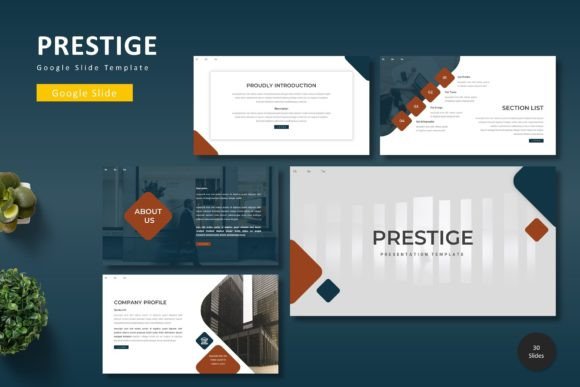
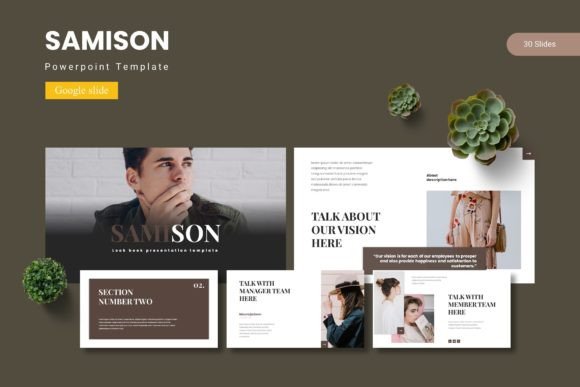
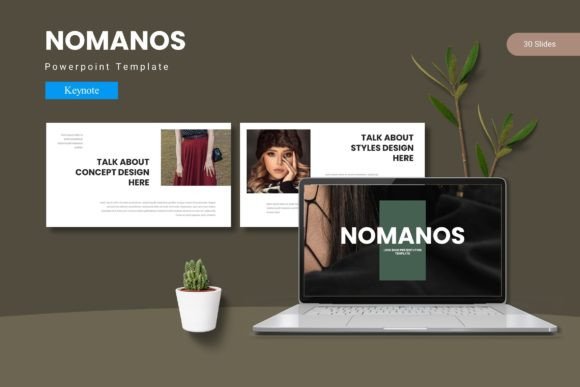
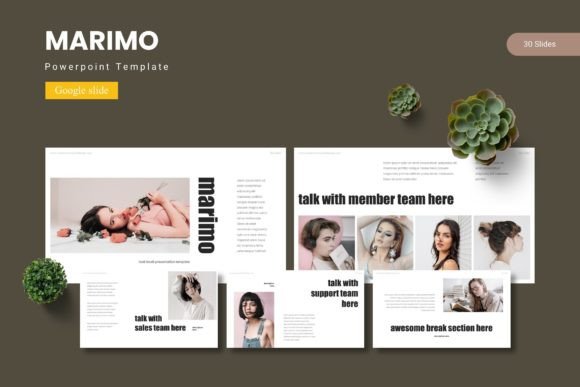
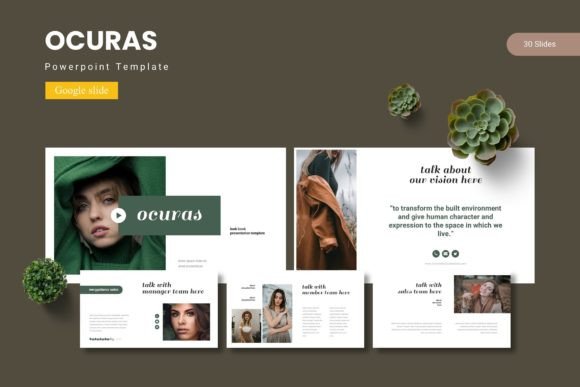
What makes a presentation truly effective? It is rarely just the text on the screen. It is the harmony between the arrangement of elements, the strategic use of imagery, the typography, and the pacing of information. The Ocuras template understands this balance. With over 150 total slides distributed across five premade color schemes, it offers a robust foundation for almost any narrative arc. Each of the five templates contains 30 meticulously crafted slides, ensuring that you have enough variety to structure a complex story without repeating layouts. The inclusion of section break slides is a particularly thoughtful touch, allowing you to pause, pivot topics, and give your audience a moment to digest information—a crucial aspect of visual communication that is often overlooked in standard templates.
A Visual System, Not Just a File
For designers, marketers, and small business owners, consistency is the bedrock of brand recognition. The Ocuras template excels here by being built upon Master Slides. This technical foundation means that when you adjust a core element—like a brand color or a font choice—that change can cascade throughout the entire deck. This feature alone saves hours of manual tweaking and eliminates the embarrassing inconsistency of mismatched slides that can plague a hastily assembled presentation.
Furthermore, the visual assets included are not generic clipart. The package features handcrafted infographics and pixel-perfect illustrations. In the world of data presentation, a well-designed infographic can turn dry statistics into a compelling story. Whether you are illustrating market growth, workflow processes, or demographic breakdowns, these graphics are fully resizable and editable. This flexibility is vital. A chart that works perfectly on a 16:9 projector screen might need to be resized for a square social media graphic or a vertical digital product mockup. The ability to manipulate these vectors without losing quality ensures that your design assets remain versatile.
Beyond the Boardroom: Practical Applications
While the primary function of the Ocuras - Google Slide Template is clearly presentation design, viewing it strictly as a "meeting tool" limits its potential. Think of this resource as a modular design engine for your broader branding and marketing needs.
Consider the entrepreneur working on packaging design or editorial layouts. The grid systems and alignment structures within the Ocuras slides provide a perfect scaffold for mocking up product labels or magazine spreads. You can use the picture placeholders—featuring intuitive drag-and-drop functionality—to quickly test how your product photography looks against different background textures or color schemes. This allows for rapid prototyping before moving into more complex software like Adobe Illustrator or InDesign.
For social media graphics and digital products, the template’s five color variations offer a distinct advantage. Instead of designing five separate Instagram carousels or five different e-book covers, you can utilize the color schemes to create a series that feels cohesive yet visually distinct. This is particularly useful for content creators and bloggers who need to maintain a fresh aesthetic while adhering to a strict brand identity. You can export individual slides as high-quality images to serve as web design hero sections, poster backgrounds, or even invitation designs for corporate events and webinars.
The Power of Modularity and Adaptability
One of the most common frustrations with premium templates is rigidity. They look beautiful in the preview, but the moment you try to insert your own content, the layout falls apart. The Ocuras template addresses this through its focus on modularity. The inclusion of gallery and portfolio slides, for example, is not just for photographers. A consultant can use a gallery layout to showcase client testimonials with headshots. A crafter or hobbyist can use it to display a step-by-step tutorial for a DIY project. The structure remains professional, but the application is entirely up to you.
The "Readme First" file included in the folder is a small but significant detail that speaks to the professionalism of the asset. It provides clear information on fonts and photos. Typography is often the silent killer of good design; using the wrong font pairing can undermine the authority of your message. By identifying the fonts used in the template, you can make informed decisions about whether to purchase a specific display font or serif font to match the aesthetic, or how to substitute it with a sans serif font or script font you already own. This guidance helps ensure that your modern typography choices align with your project goals, whether you are aiming for a sleek, corporate vibe or a more handwritten, approachable feel.
Streamlining Your Workflow
Time is the most valuable currency for any creative professional. The workflow enhancements provided by the Ocuras template are substantial. Because it is based on Google Slides, it leverages the power of the cloud. Collaboration is seamless; you can share the link with team members or clients and edit in real-time. There is no need to worry about version control or massive file sizes clogging up email inboxes.
For those concerned with commercial licensing, the utility of such a comprehensive set of 150+ slides offers a high return on investment. Instead of purchasing separate assets for logo design mockups, merchandise presentations, and quarterly reports, you have a unified ecosystem. The graphic elements are designed to be reusable. A vector icon used in a slide about financial growth can be repurposed later for a brand identity guide or a marketing asset for a newsletter.
Ultimately, the goal of any design asset is to reduce friction and amplify your message. The Ocuras - Google Slide Template achieves this by combining aesthetic appeal with structural integrity. It respects the intelligence of the user by providing a flexible framework rather than a static picture. Whether you are pitching to investors, educating your audience, or showcasing a portfolio, having a reliable, visually stunning template in your toolkit ensures that your ideas are always presented with the clarity and professionalism they deserve.