Oterom: Your Ultimate Google Slides Template for Polished Presentations
Creating a presentation that captures attention and communicates your message effectively can feel like a daunting task. Between structuring your content, sourcing visuals, and ensuring a professional aesthetic, the process often consumes more time than the actual presenting. This is where a thoughtfully designed template becomes an invaluable asset, transforming a blank canvas into a foundation for your ideas. The Oterom - Google Slide Template is built for exactly this purpose, offering a versatile and visually coherent system to streamline your workflow and elevate your output.
More Than Just Slides: A Visual Communication Toolkit
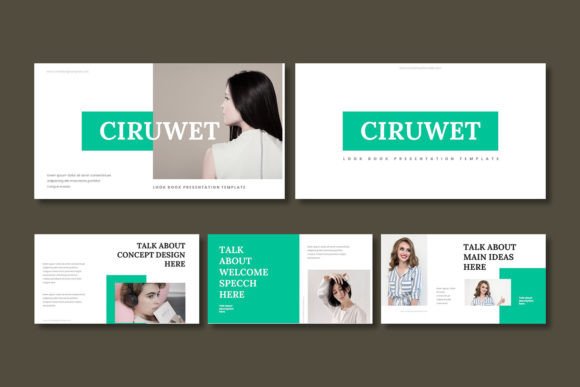
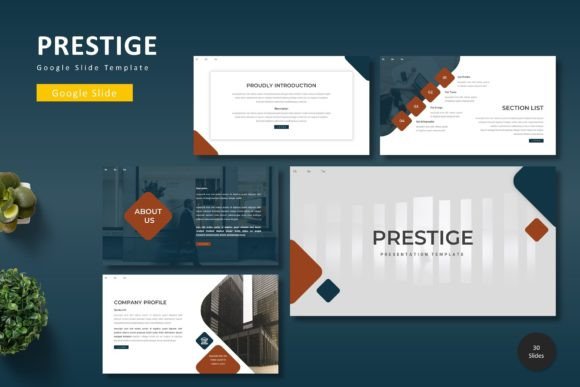
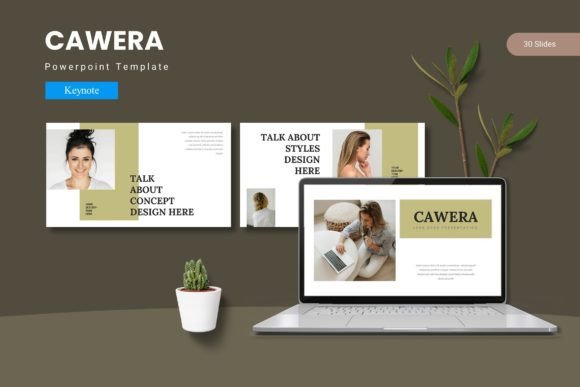
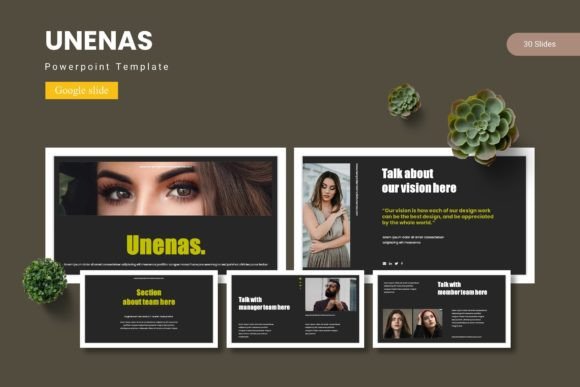
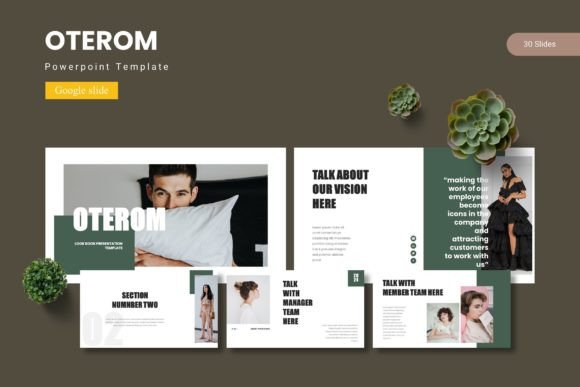
At its core, Oterom isn't merely a collection of pre-designed pages. It's a comprehensive toolkit designed to help you build a cohesive visual narrative. With over 150 total slides distributed across five distinct color schemes, you gain immediate access to a vast library of layouts. Each of the five templates provides 30 meticulously crafted slides, ensuring you have dedicated pages for every stage of your presentation—from a compelling title slide and clear section breaks to detailed content layouts, infographics, and portfolio displays.
The visual appeal stems from its modern, clean aesthetic. The design philosophy balances professionalism with approachability, making it suitable for corporate briefings, creative pitches, educational workshops, or startup investor decks. The pixel-perfect illustrations and handcrafted infographics are not generic stock elements; they are custom assets designed to integrate seamlessly with the template's overall style. This attention to detail helps maintain a high-end look throughout your entire presentation.
Practical Design for Real-World Projects
What makes a template truly useful is its adaptability. Oterom is built on Master Slides, a feature that allows you to make universal changes—like updating a color scheme or logo—across every single slide with just a few clicks. This is a game-changer for maintaining visual consistency, especially when working on brand identity projects or preparing materials for a team.
The template includes practical features that save significant time:
- Picture Placeholder & Drag & Drop: Swapping out images is intuitive. Simply click the placeholder icon on a slide and drag your own photo into the frame. The template automatically handles sizing and positioning, ensuring your images look polished without manual adjustments.
- Resizable & Editable Graphics: Every icon, shape, and illustration can be resized, recolored, or modified to fit your specific needs. This flexibility allows you to customize the template far beyond simply changing text and colors.
- Gallery and Portfolio Slides: For designers, photographers, artists, or any professional showcasing work, these dedicated layouts provide a structured and elegant way to present your portfolio directly within a presentation.
Unlocking Creative and Commercial Applications
While primarily a presentation tool, the assets within Oterom have broader applications. The clean, modern typography and graphic elements can inspire or directly inform other design projects. Consider these possibilities:
- Brand Style Guide Foundations: Use the color schemes and typographic hierarchies as a starting point for developing a client's brand guidelines.
- Social Media Graphics: Export individual slides or elements as high-resolution images to create consistent social media posts, story backgrounds, or ad templates.
- Marketing Collateral: Adapt slides into one-page sell sheets, event flyers, or digital brochure pages by adjusting the layout and content density.
- Web Design Mood Boards: The overall aesthetic can serve as a visual reference for web designers, helping to establish the look and feel for a new website project.
This approach helps bridge the gap between your presentation and your other design assets, fostering a more unified brand experience across all platforms.
Choosing the Right Template for Your Message
With five color variations, selecting the right starting point is your first creative decision. Think about your audience and the mood you wish to convey. A bold, high-contrast palette might be ideal for a tech startup's pitch, while softer, muted tones could better suit a wellness or lifestyle brand's presentation. Review the section break slides in each variation; they often set the tone for the entire deck.
Next, consider your content structure. Do you have a lot of data to present? Prioritize the slides with robust infographic layouts. Is your presentation portfolio-heavy? You'll want to focus on the templates with the most versatile gallery slides. The strength of Oterom lies in its variety, so take the time to explore all the slides in your chosen template before you begin adding your content. This planning stage prevents you from forcing content into ill-fitting layouts later.
Ensuring Professional Polish and Readability
A beautiful design fails if the content is hard to read. As you populate your slides, keep these principles in mind:
- Text Hierarchy is Key: Use the built-in heading and body text styles consistently. A clear hierarchy (like a bold title, a slightly smaller subtitle, and clean body copy) guides your audience's eye and makes information digestible.
- Embrace White Space: Avoid the temptation to overcrowd slides. The template's layouts are designed with breathing room in mind. Use it to let your key points stand out.
- Font Pairing Simplicity: While the template comes with its own font recommendations (check the Readme file for details), if you choose to change them, limit yourself to two complementary fonts—one for headings and one for body text—to maintain a clean, professional look.
- Test on the Actual Display: Always preview your slides on the device you'll be presenting from. Colors and text size can look different on a projector versus a laptop screen.
From Template to Finished Presentation: A Streamlined Process
The true value of a resource like Oterom is the time it gives back to you. Instead of spending hours aligning text boxes and hunting for icons, you can focus your energy on refining your message, rehearsing your delivery, and crafting a compelling story. The included Google Slides files are ready to use immediately, and the straightforward file organization—complete with a Readme for font and photo credits—means you can get started without confusion.
For the small business owner, it means looking like you hired a design agency. For the marketer, it means producing client presentations that win buy-in. For the educator or speaker, it means your content is supported by a visual framework that enhances learning and retention. It’s a practical tool designed for people who need to communicate ideas effectively and professionally, without requiring a background in graphic design.