Cagorent: The PowerPoint Template for Confident Presentations
You have a brilliant idea, a game-changing strategy, or a vital report to share. The content is solid. But when you open a blank PowerPoint slide, that confidence can quickly evaporate into a sea of bullet points and default layouts. The gap between a good idea and a compelling presentation often lies in the visual delivery. This is where a thoughtfully designed tool like the Cagorent PowerPoint template steps in, transforming your slides from simple information carriers into powerful communication assets that command attention and drive your message home.
More Than Just Slides: A Visual Communication System
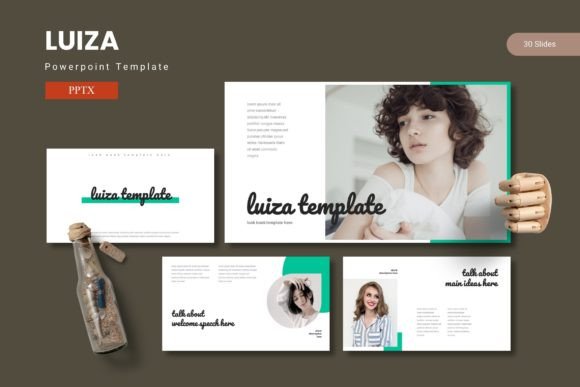
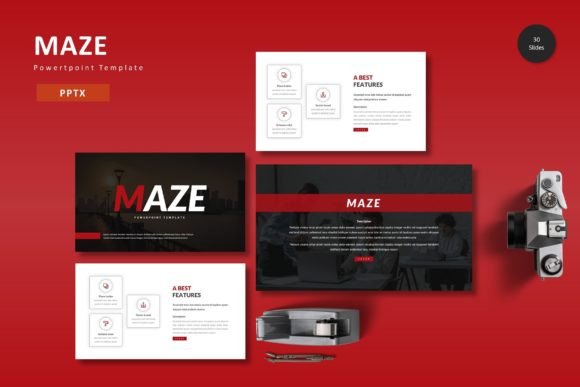
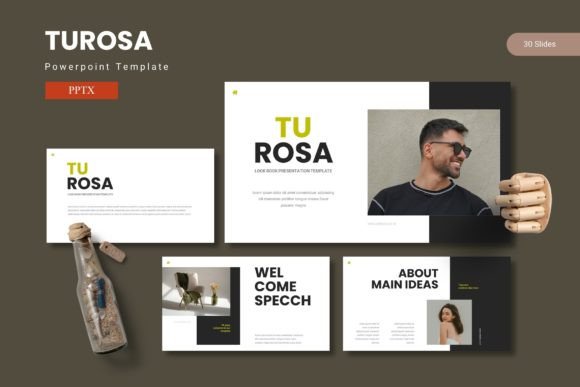
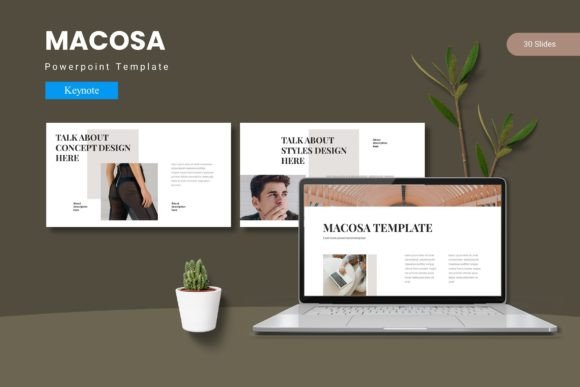
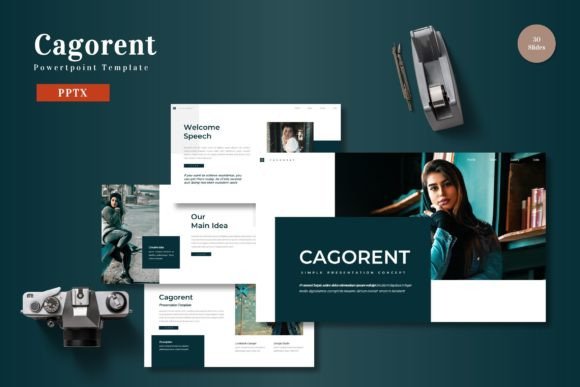
Cagorent isn't a collection of pretty backgrounds. It's a structured system built for clarity and impact. With over 150 total slides organized across five distinct color schemes, it provides a robust framework for any narrative. Each of the five templates includes 30 meticulously crafted slides, featuring dedicated section breaks that help you pace your presentation logically. This structure is invaluable for anyone—from a startup founder pitching to investors to a marketing manager presenting quarterly results. It removes the guesswork from slide architecture, allowing you to focus entirely on your story.
The true power lies in its customizable, handcrafted infographics. Data is persuasive, but raw numbers on a slide are forgettable. Cagorent's pixel-perfect illustrations and resizable graphics turn complex information into digestible, memorable visuals. Whether you're illustrating a sales funnel, a project timeline, or market research findings, these elements help your audience grasp concepts instantly. The drag-and-drop picture placeholders and pre-built gallery slides are particularly practical for creatives and businesses showcasing products, portfolios, or case studies, making professional-looking presentations achievable in minutes rather than hours.
From Boardroom to Brand: Practical Applications Across Industries
While designed for presentations, the utility of a cohesive, professional template like this extends far beyond a single meeting. Consider the multifaceted needs of a modern brand or creative professional.
- Brand & Marketing Consistency: Use the template to develop consistent internal training materials, client proposals, and sales decks. The unified color schemes and design language reinforce your brand identity at every touchpoint, building recognition and trust.
- Social Media & Digital Content: Export individual slides or infographics as high-quality images. A well-designed quote slide, a data visualization, or a portfolio preview becomes ready-made content for Instagram, LinkedIn, or your blog, ensuring your digital presence is as polished as your live presentations.
- Product & Packaging Pitches: For entrepreneurs and product designers, the template is perfect for creating compelling visual pitches. Use the portfolio slides to display packaging mockups or product lines, and the clean layouts to articulate your value proposition clearly.
- Editorial & Educational Projects: Bloggers, educators, and authors can leverage the template to create visually engaging workshop materials, course content, or chapter summaries that enhance reader and student engagement.
Think of it as a versatile design asset. The same template that structures a business plan can be adapted to outline a wedding itinerary, design a event program, or create a stylish lookbook for a new merchandise line. This adaptability makes it a valuable resource for anyone who regularly needs to communicate ideas visually.
Choosing and Using Your Template for Maximum Impact
Selecting the right template is the first step. Start by considering the mood and context of your presentation. Does your brand feel bold and energetic? Choose a vibrant color variation. Is the topic more formal or data-driven? Opt for a cleaner, more subdued scheme. The five included options provide this flexibility out of the box.
Once selected, the real magic happens in customization. The template is based on master slides, which is a crucial feature for maintaining consistency. Edit a master slide, and every corresponding slide in your deck updates automatically. This is how you ensure every title, body text, and color accent remains uniform, saving you from the tedious slide-by-slide adjustments that lead to errors and visual clutter.
Pay close attention to typography. While the template handles the layout, pairing it with the right fonts is essential for readability and personality. A strong, clean sans-serif font often works well for body text on slides, ensuring it's legible even from the back of a room. You might pair it with a more distinctive serif or script font for titles to add character, but always test the combination at a distance. The goal is seamless communication, not a font showcase.
Building a Professional Presentation Workflow
Integrating a tool like Cagorent into your process is about working smarter. Start with your content outline. Then, instead of building from scratch, browse the template's slides to find the layout that best serves each section of your outline. Need to show a process? There's likely a step-by-step infographic slide. Need to compare options? A comparison chart slide is ready.
This approach has a profound impact on the final result. It enhances visual consistency, which in turn boosts brand recognition and professional presentation. Your audience spends less mental energy deciphering your layout and more time absorbing your message. The result is greater audience engagement and a more persuasive, memorable experience overall.
Before your final presentation, always conduct a "slide check." Review each slide for clarity. Is the key takeaway immediately obvious? Are the graphics supporting the point, not distracting from it? Is there enough white space to let the content breathe? A template provides the professional framework, but your thoughtful customization is what makes it truly effective.
Ultimately, a powerful presentation is a blend of substance and style. The Cagorent template provides the sophisticated, ready-made style, freeing you to pour your energy into the substance—the ideas, the data, and the story that only you can tell. It's a practical tool designed to help you share those ideas with the confidence and visual impact they deserve.