Mingana: Crafting Visual Narratives with a Cohesive Template
There’s a unique kind of pressure that comes with sitting down to build a presentation. You have the data, the story, the core idea—but the blank slide feels like a wall. You need something that looks polished and professional, but you also need it to feel true to your message. This is where a thoughtful design asset changes the game, moving you from staring at a cursor to building a visual argument with clarity and style.
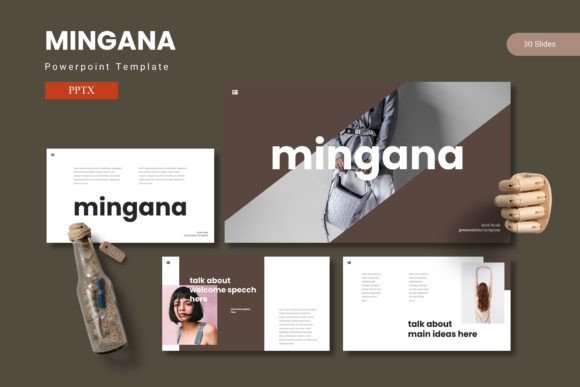
The Mingana - Powerpoint Template is designed for that exact moment. It’s not just a collection of slides; it’s a visual system built to help you share ideas with confidence. Think of it as a foundational toolkit that combines structured data layouts with compelling graphics, giving you the framework to create presentations that genuinely resonate with an audience. The real value here is in its balance—it offers enough design sophistication to look premium, yet remains intuitive enough that you’re not fighting the software to make it work.
More Than Slides: A System for Visual Consistency
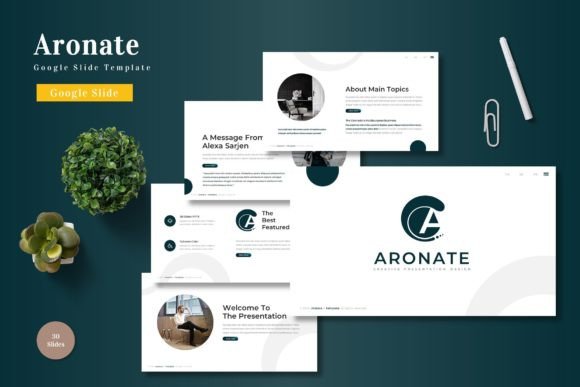
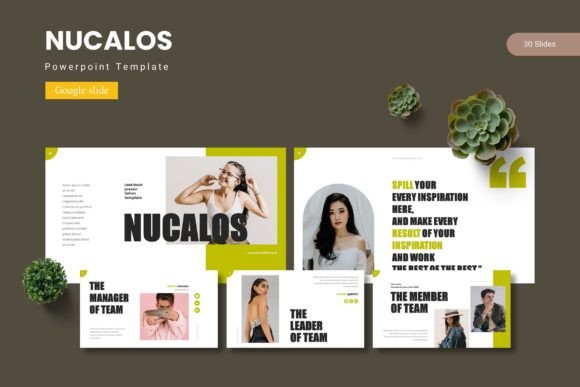
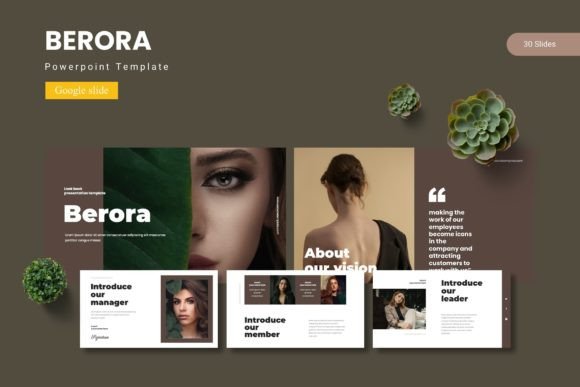
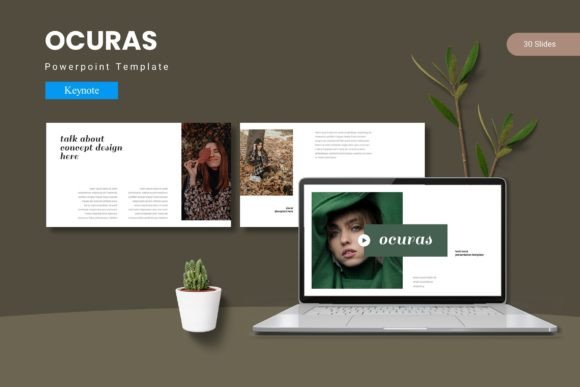
One of the biggest challenges in any branding or marketing effort is maintaining a consistent visual language. A mismatched presentation can subtly undermine credibility. Mingana addresses this by providing 150+ total slides organized across five premade color schemes. This isn’t just about variety; it’s about cohesion. Each of the 30 slides per template is crafted to work together, ensuring your fonts, color palettes, and graphic styles align from the first title slide to the final call to action.
This system-based approach is invaluable for:
- Small business owners creating investor decks or client proposals that need to reflect their brand identity.
- Marketers and content creators developing webinar slides or social media storyboards that require a unified look.
- Educators and consultants building workshop materials where clarity and professional presentation directly impact engagement.
By using master slides, the template ensures that any global change you make—like updating a logo or adjusting a color accent—updates throughout the entire deck. This saves hours of tedious manual editing and prevents the visual drift that often happens in long-form presentations.
Practical Design for Real-World Projects
What sets a functional template apart from a merely decorative one is its adaptability. Mingana includes handcrafted infographics and pixel-perfect illustrations that are fully resizable and editable. This means you’re not stuck with generic clip art. You can tweak charts to match your latest sales data, resize icons to fit a complex diagram, or use the picture placeholder feature for a simple drag-and-drop workflow to incorporate your own photography.
Consider these applications beyond a standard corporate meeting:
- Brand Guidelines Deck: Use the structured layouts to present your logo usage, color codes, and typography rules to partners or new team members.
- Product Launch Kit: Combine the gallery and portfolio slides with data slides to create a compelling narrative for a new product, showcasing features alongside market research.
- Client Onboarding Guide: Walk new clients through your process with a clean, professional presentation that builds trust from the first interaction.
- Digital Product Showcase: For creators selling templates, courses, or artwork, the visual emphasis of these slides can help demo your product effectively.
The inclusion of section break slides is a subtle but powerful tool for pacing your narrative, giving your audience a mental reset and helping you organize complex information into digestible chapters.
Choosing Your Color Story and Final Polish
Color is a primary driver of emotion and recognition. With five color variations included, you have a starting palette that can often be aligned closely with an existing brand. The key is to select the scheme that best matches the tone of your message. A deep, muted palette might convey authority and trust for a financial consultant, while a brighter, high-contrast scheme could energize a pitch for a creative startup.
Before you finalize any presentation, always run through this checklist:
- Test Readability: Ensure your text has sufficient contrast against its background, especially for key data points.
- Check Consistency: Scan the deck for any off-brand fonts or colors that may have slipped in during editing.
- Simplify Graphics: Use the editable infographics to highlight only the most critical data. A cluttered slide dilutes your message.
- Preview Transitions: While the template provides a design foundation, always test how slides flow from one to the next during your actual presentation.
Remember, the template is the vessel; your content is the story. By leveraging its structured layouts and modern typography